
You can equip up to three Favors for effects on and off the track. You earn STAR WARS: Galactic Racer™ Favors by gaining the respect of friends and foes throughout the Campaign, then select them in Loadout. To upgrade a Favor, keep it equipped while completing planets during a tour.
How do you get Favors?
You get Favors by earning the respect of both friends and foes throughout the Campaign.
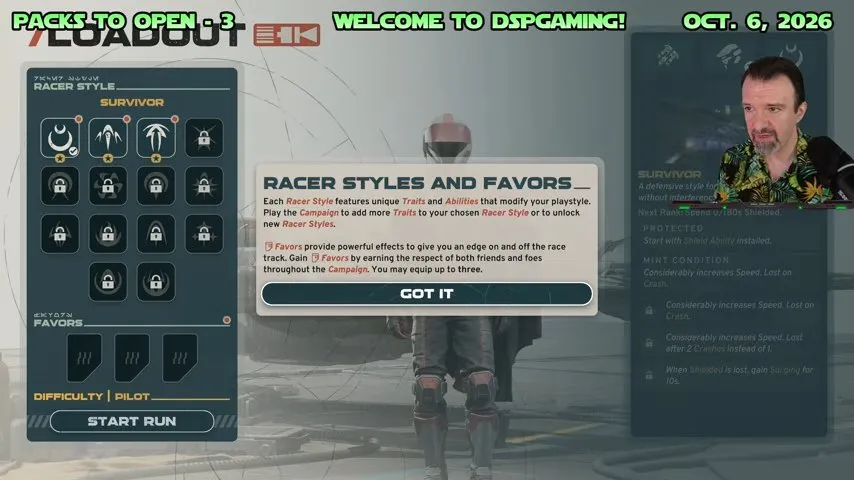
The RACER STYLES AND FAVORS tutorial visible at 49:00 states that Favors give you an edge on and off the race track. It also names friends and foes as the route to earning them, so don't read “Favors” as rewards from friendly characters alone.
The individual unlock requirements for every Favor still need confirmation. If you're looking for rewards beyond Favors, continue to STAR WARS: Galactic Racer unlockables.
How many Favors can you equip, and where?
You can equip up to three Favors through the Favors selection interface in Loadout.
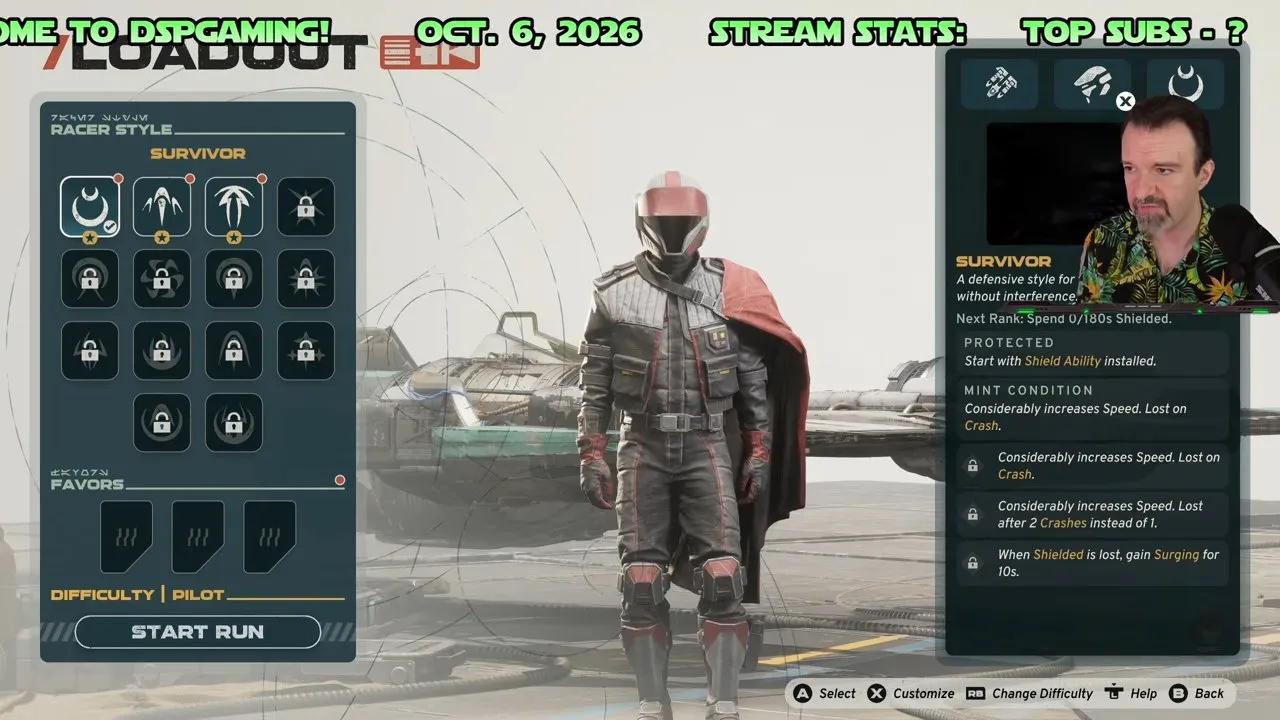
At 49:09, the Loadout screen shows three Favors slots at the bottom left. They may look like space for a larger collection, but read them as your simultaneous equip limit: the tutorial explicitly says “up to three.” You don't need three unlocked Favors before selecting one.
- Open Loadout and find the three Favors slots at the bottom left. Those slots identify the part of the screen you need.
- Open the Favors selection interface and highlight an available Favor. The highlighted item's name and panel let you check which Favor you're selecting.
How do you upgrade Favors?
You upgrade Favors by completing planets during a tour with those Favors equipped.
If your goal is to improve a particular Favor, keeping it equipped through planet completion is the supported route. Before continuing, check your selection in Loadout so you aren't progressing with a different Favor than the one you meant to upgrade.
Exact values at each level, restrictions on swapping Favors, and whether they carry across runs still need confirmation. That makes staying with your intended Favor the steadier choice for an upgrade attempt. For the game's other progression questions, head to STAR WARS: Galactic Racer upgrades.
What does Mad Genius do?
Mad Genius is selectable in the Favors panel, but its complete effect still needs confirmation.
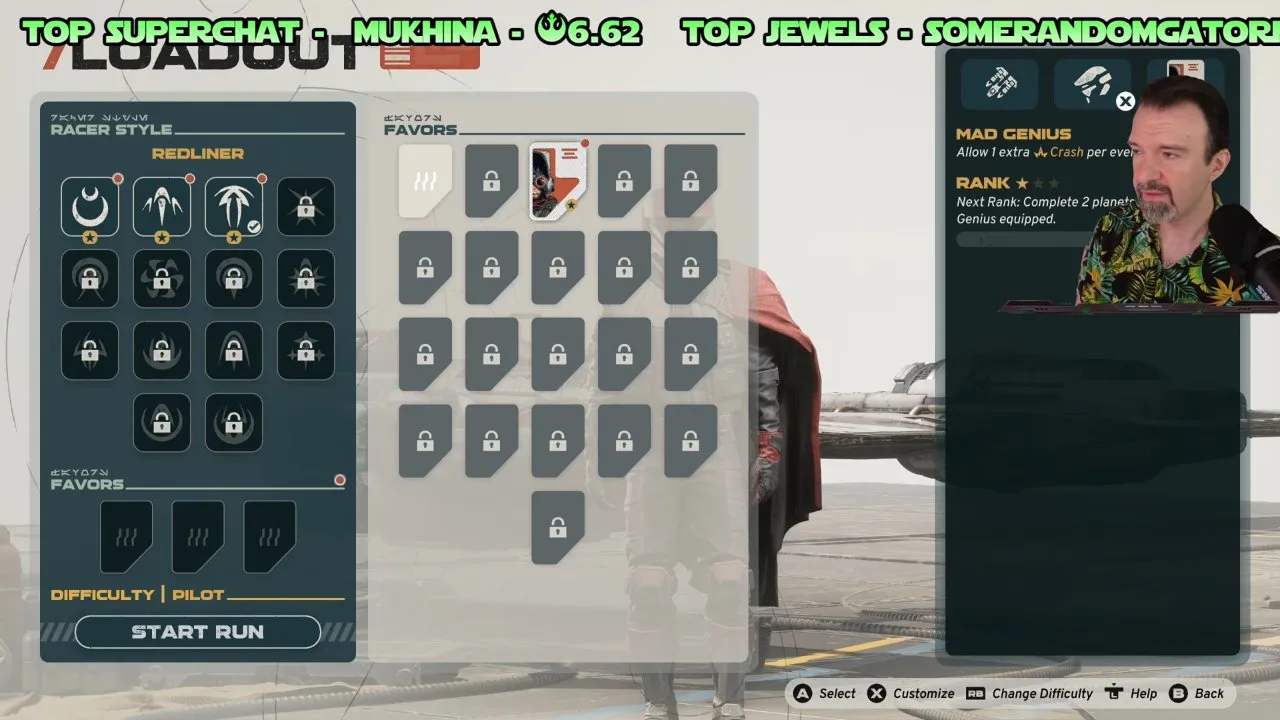
At 49:50, MAD GENIUS is highlighted in the selection panel. A player describes it as letting you “avoid one collision,” but the streamer overlay partly covers the game description. That comment isn't enough to treat it as a guaranteed collision save or assume its trigger and limits.
Read the complete in-game description before relying on it to rescue a risky move. Once you've selected your Favors, you have a loadout ready to take into a tour; keep the ones you want to upgrade equipped through planet completion. Next, put that selection in context with STAR WARS: Galactic Racer best build.